
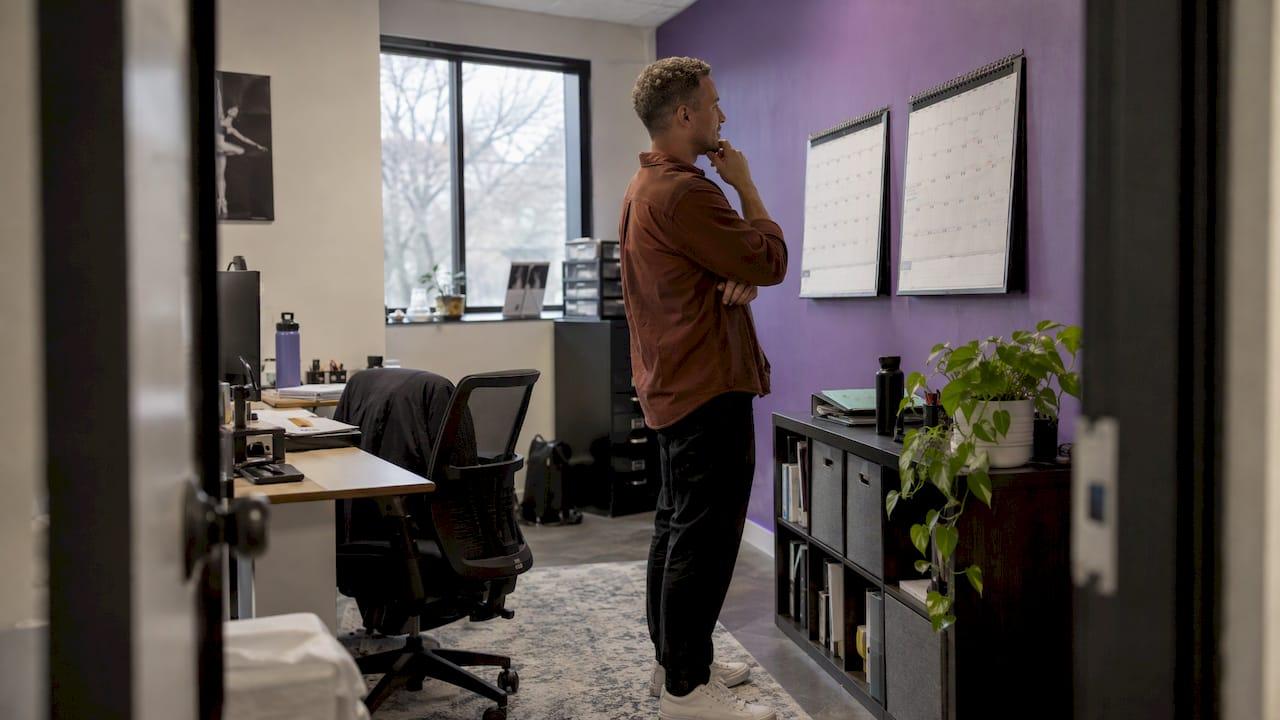
To schedule a dance studio across several locations, keep one master schedule, give every room its own calendar, and track instructors, attendance and pay in the same system as the classes. Splitting these across spreadsheets, group texts and a separate calendar per site is how double bookings and payroll disputes start. StudioFlare is a studio management platform built for dance studios, and it puts registration, attendance, the staff time clock and parent messaging in one place, so a second location adds rooms to the schedule instead of adding another set of spreadsheets.
This guide is for owners, directors and administrators running two or more sites, and for anyone moving off older studio software that was never designed around shared rooms and traveling teachers.
TL;DR
- Build one master schedule with a separate calendar for each room at each location, and let every class belong to exactly one room and one instructor at a time.
- Treat instructor travel between sites as scheduled time: buffers on the calendar, and paid hours on the time clock.
- Give parents a single place to register, pay and see which location their child's class meets at.
- Run attendance and payroll from the same system as the schedule, so a changed class changes everything downstream.
- StudioFlare plans start at $29 per month (Starter) or $49 per month (Pro), plus $1 per active student per month, with no setup fee and no contract.
Table of Contents
- Why a second location breaks a one-studio schedule
- Step 1: Build one master schedule with room-level calendars
- Step 2: Schedule instructors across sites
- Step 3: Pay for travel and hours across locations
- Step 4: Give parents one front door
- Step 5: Run attendance the same way everywhere
- Step 6: Handle private lessons, costumes and recitals across sites
- A weekly routine for a multi-location schedule
- How to compare scheduling software for multiple locations
- Moving from older studio software
- Where StudioFlare fits
- Our perspective
- FAQ
- Sources
Why a second location breaks a one-studio schedule
A single studio can run on a wall calendar and a shared spreadsheet because everyone sees the same rooms and the same front desk. The second location removes that shared view. Three things go wrong first.
Rooms and teachers collide without anyone noticing. A teacher is booked for a 5:00 p.m. class at the north site while a substitute request puts her at the south site at 5:15. Each location's calendar looks fine on its own. Only the combined view shows the problem.
Families see the wrong information. A parent with two children in different locations needs two schedules, two sets of closure dates and two sets of reminders. If each site texts its own group, families miss changes, and your front desk spends the week answering the same questions.
Hours and pay get lost between sites. An instructor who teaches at two locations has hours in two places. Someone has to add them up each pay period, and that is where overtime and travel time get missed.
Everything in this guide is aimed at those three failures.

Step 1: Build one master schedule with room-level calendars
The structure matters more than the tool. Start with the following.
- List every bookable space. Each studio room at each location is its own resource: "North, Studio A", "North, Studio B", "South, Main Floor". Do not schedule at the location level only, because a location can be half empty and still have no free room at 4:30.
- Attach every class to one room, one instructor and one time block. A class with no room is a rumor. A class with two possible rooms causes a conflict later.
- Set a standard rhythm across locations. Most studios run on the school calendar: weekday afternoons and evenings, Saturday mornings. Use the same start-time grid at every site (for example, 4:00, 5:00, 6:00) so teachers and families can move between locations without relearning the day.
- Mark closures per location, not studio-wide. A water leak at one site should not cancel classes at the other. Our guide on holiday closure schedules explains why families need to recheck dates every season, which is doubly true when two sites close on different days.
Where it goes wrong: owners often copy one site's schedule to the next and forget that room sizes differ. A 24-student hip-hop class that fits at one location may not fit at another. Record room capacity on the room, not in someone's head.
Stop double bookings before they happen
Two controls do most of the work: a room can hold only one class at a time, and an instructor can be in only one place at a time. Our article on three controls that stop room double bookings walks through how to set these up, and the piece on calendar sync and delegated access covers what happens when several people edit the same calendar. If your schedule lives in more than one place, you will eventually book over yourself.
Step 2: Schedule instructors across sites
Staff scheduling is the second half of the problem, and it is what "best studio staff scheduler" really asks about. A good setup answers four questions for each teacher every week: where, when, how long, and how much of it is paid.

Give each teacher a home site
Name a primary location for every instructor and treat other sites as exceptions. This keeps travel low and makes substitutions simpler: you look first at teachers whose home site matches the class.
Build travel buffers into the calendar
If two sites are 20 minutes apart, an instructor cannot end a class at 6:00 and start another at 6:00. Leave at least the drive time plus a few minutes to change and set up. If a teacher with back-to-back classes at two sites keeps running late, the schedule is wrong, not the teacher.
Make availability visible
Collect availability once per season: days, times and which locations each teacher can cover. Keep it on the same system that holds the schedule, so a manager filling a gap sees who is free and where, rather than texting twelve people.
Plan substitutes by location and style
Keep a short list of qualified subs per style and per site. When a teacher calls out at 3:00 p.m., you want to message three names, not scroll a contact list.
Step 3: Pay for travel and hours across locations
This is the part owners most often get wrong, and it is a legal matter, not just a convenience. Under the Fair Labor Standards Act, travel from one job site to another during the workday counts as work time. The U.S. Department of Labor states that travel from job site to job site during the workday must be counted as hours worked. An hourly instructor who teaches at the north site, drives to the south site and teaches again has paid time in the car.
Practical consequences for a multi-location studio:
- Hours at both sites add up. If an instructor is an hourly employee, total hours across all locations decide overtime, not hours at each site separately.
- Classifications matter. Whether a teacher is an employee or an independent contractor is a question for your employment attorney or accountant, not something a scheduling tool decides. Ask them before you build pay rules.
- Records need to be consistent. One time record per person beats two partial ones.
StudioFlare includes a staff time clock and payroll tracking. We wrote a step-by-step guide to setting up instructor time tracking in one week that is built around FLSA compliance. Running the time clock in the same platform as the schedule means the hours an instructor clocks are tied to the classes they taught, so end-of-period totals are not a separate chore.
Step 4: Give parents one front door
For a parent, a multi-location studio should feel like one studio. That means:
- One account per family, even when siblings dance at different sites.
- One registration flow where the location is a clear choice, not a separate website. Our guide to online dance registration that actually works covers the form design, and the article on registration forms and policies covers the waivers and rules to include.
- Automated tuition billing that charges the right plan on the right date without the front desk chasing payments. StudioFlare runs tuition billing and payments through Stripe.
- Messaging that can target a location. A snow closure at one site should reach only those families. StudioFlare includes bulk SMS and a parent portal for messages; for habits that keep families informed without flooding them, see our parent communication guide.
Where it goes wrong: studios announce changes in three channels (email, a social post and a group text) and each says something slightly different. Pick one primary channel, and make it the one that is also tied to the family's account.
Step 5: Run attendance the same way everywhere
Attendance is how you find out whether the schedule is working. If one site uses a paper clipboard and the other uses a tablet, you cannot compare fill rates, and you cannot see which time slots are underused.
Use the same check-in method at every location, and decide what counts as present, late and absent once. StudioFlare has attendance and check-in tools, and our guide on managing dance studio attendance without the clipboard shows the routine. Once attendance is consistent, you can answer questions that drive scheduling decisions:
- Which 6:00 p.m. classes are full and which are at half capacity?
- Is a class at the south site drawing families who would drive to the north site?
- Which instructors have the steadiest attendance?
StudioFlare also has an AI assistant that gives instant data insights and answers common questions about classes and payments, which helps when you want a quick answer instead of building a report.
Step 6: Handle private lessons, costumes and recitals across sites
These are the extras that push a schedule past what a spreadsheet can hold.
Private lessons. Private lessons compete with group classes for the same rooms and the same teachers. Decide which rooms and hours are open to private bookings, and set cancellation and payment rules that match your accounting. Our article on private lesson policies covers how. StudioFlare has private lesson booking built in.
Costumes. If dancers from two sites share a recital, costume orders and sizes need to roll up to one list. StudioFlare includes costume management.
Recitals. Choose the venue first, then work back to rehearsal rooms at each location. Rehearsals are the most common source of last-minute room conflicts.
A weekly routine for a multi-location schedule
A schedule only stays accurate if someone owns it. A 20-minute weekly routine is enough for most studios:
- Monday: review the week's schedule across all sites for gaps, subs and room changes.
- Midweek: check attendance and waitlists; move a class if one site is consistently full.
- Friday: confirm next week's coverage and send any changes to affected families only.
- Pay period end: review clocked hours by instructor across every site before payroll runs.
Designate one person, usually the studio director or an administrator, as the owner of the master schedule. Everyone else requests changes through them.
How to compare scheduling software for multiple locations
When you evaluate any platform, look at the work your team repeats every week rather than the feature list.
| What to check | Why it matters for two or more sites |
|---|---|
| Room-level calendars | Prevents two classes in one room and shows which rooms are free |
| Instructor conflicts across sites | Stops a teacher being booked in two places |
| One family account | Siblings at different locations stay on one login and one bill |
| Time clock and payroll tracking | Hours across sites roll up per person |
| Location-targeted messaging | Closures reach only affected families |
| Pricing structure | Cost should track your size, not your history |
The last row deserves attention. StudioFlare charges per active student, not for historical records, so a studio that has taught thousands of dancers over the years is not billed for the ones who left.
Moving from older studio software
Many owners reach this question because the software they started with was built for a single room and then stretched. If you are leaving older dance studio software, plan the move around your calendar: switch between seasons or just before registration opens, so you are not changing billing in the middle of a term. We have a page on switching from older studio software that covers what moving to StudioFlare looks like, and one for studios coming from large fitness-oriented platforms.
A sensible sequence:
- Export your family, class and billing data.
- Rebuild the room list and master schedule in the new system first.
- Invite families to register or confirm their accounts before the new term.
- Run billing in parallel for one cycle if you can, then retire the old system.
Where StudioFlare fits
StudioFlare is built for dance studios, not generic fitness or wellness centers. It brings online class registration, attendance and check-in, the staff time clock and payroll, digital waivers, bulk SMS, a parent portal and revenue reports into one platform. It also has built-in livestreaming tied to class registration, useful for dancers who cannot make it to a given site on a given night.
Pricing is published: Starter is $29 per month and Pro is $49 per month, plus $1 per active student per month. There is no setup fee and no contract, and livestreaming has no published price. You can create your studio and start building your schedule room by room.
Our perspective
Most scheduling problems we hear about in multi-location studios are not really scheduling problems. They are information problems. The room is booked in one place, the teacher's hours are in another, the family's payment is in a third, and the person who needs to see all three is the director.
That is why we built StudioFlare around one connected picture of the studio. When registration, attendance, the time clock, billing and parent messages sit together, a schedule change is a single change, not a chain of texts and spreadsheet edits.
We also think pricing should not punish growth. We charge per active student rather than for historical records, with month-to-month plans and no setup fee, so adding a location does not mean signing a longer contract.
If you are choosing between patching your current system and moving to one designed for dance, our advice is to move before your next registration season, while you can rebuild the schedule room by room.
StudioFlare Team
FAQ
What is the best way to schedule instructors who teach at more than one location?
Give each instructor a home site, collect their availability for every location once a season, and build travel time between sites into the calendar. Keep the schedule and time clock in one system so their hours across locations are totaled automatically.
Do instructors get paid for driving between studio locations?
For employees covered by the FLSA, travel between job sites during the workday counts as hours worked, according to the Department of Labor. Confirm how it applies to each instructor's classification with your accountant or employment attorney.
How do I keep parents from getting confused when a family uses two locations?
Use one family account, one registration flow and one billing date. Send location-specific messages only to affected families, and use a single primary channel for schedule changes.
How much does StudioFlare cost for a multi-location studio?
Starter is $29 per month and Pro is $49 per month, plus $1 per active student per month. There is no setup fee and no contract. Livestreaming has no published price.